

Choose a birthday card that suits the person, add a message that sounds like you, and check the complete page before printing. These ten editable Word designs include balloons, cake, flowers, candles and a teddy bear. Some use one large greeting panel; others place more than one panel on the same sheet.
Choose your birthday card
Look at the colours, the space for your message and the arrangement of the whole page. The pink rose-and-bear design has To and From fields, while the tulip design leaves room for a short greeting and your name. Cake and balloon designs work well when you want a cheerful, general birthday message.
Open the Word file to check every panel. A thumbnail may show only part of the sheet, and the designs do not all use the same cut-and-fold arrangement. Keep the original download and save a copy with the recipient’s name before editing.
Download a birthday card
Blue and Red Birthday Greeting
Blue and Red Birthday Greeting
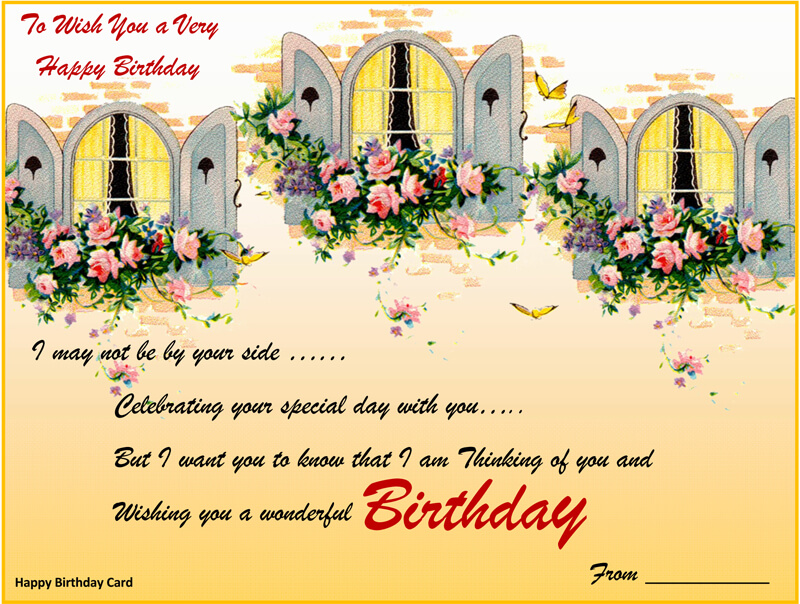
A blue-and-red greeting with decorative script. Keep extra message text short so the lettering has room.
Balloon Panel Birthday Card
Balloon Panel Birthday Card
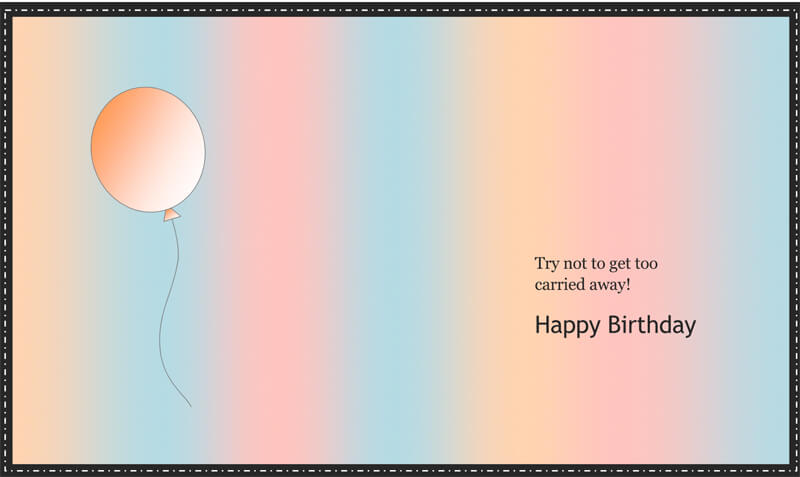
Two balloon panels in different orientations on one sheet. Inspect the whole page before choosing a cut or fold.
Cake and Snowflake Birthday Card
Cake and Snowflake Birthday Card
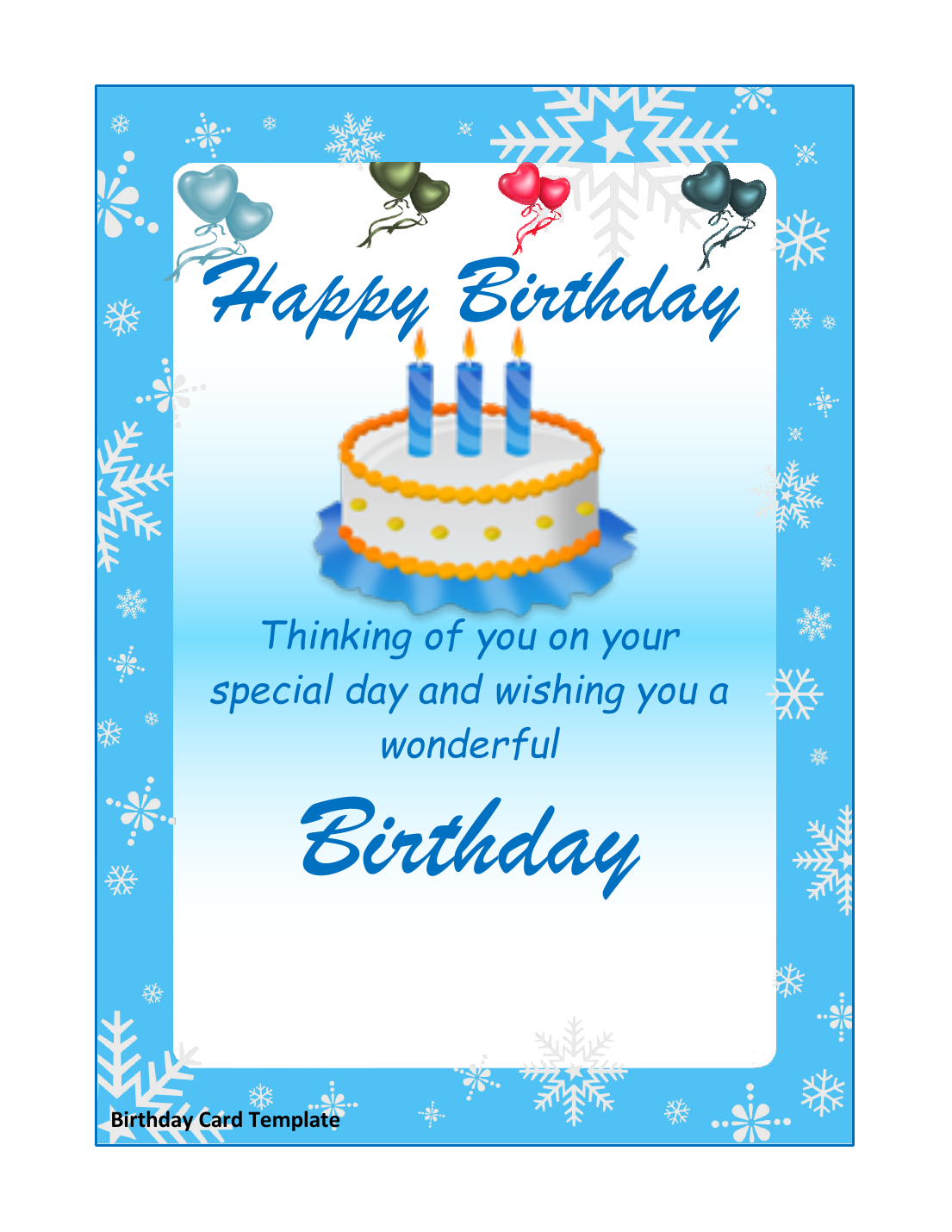
A blue cake, balloons and a snowflake border with a short birthday greeting.
Colourful Balloon Birthday Card
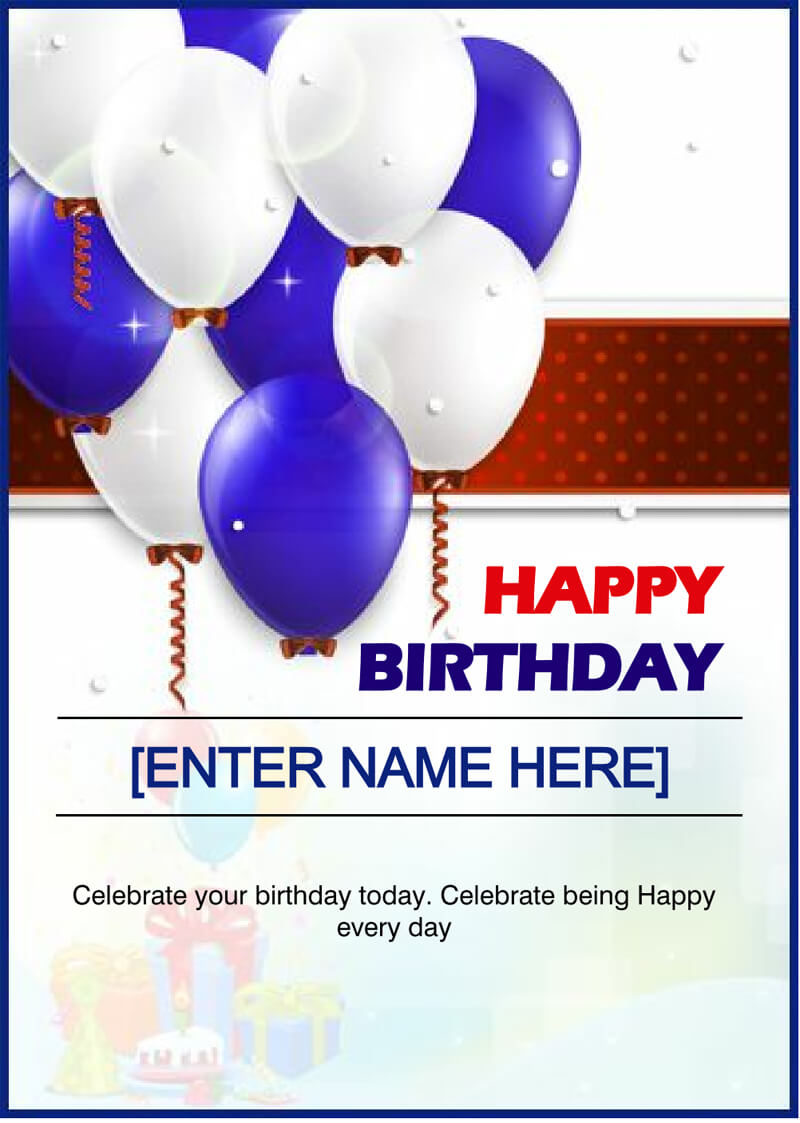
Colourful Balloon Birthday Card
Colourful balloons and a recipient-name field for a cheerful personalized card.
Gift Panel Birthday Card
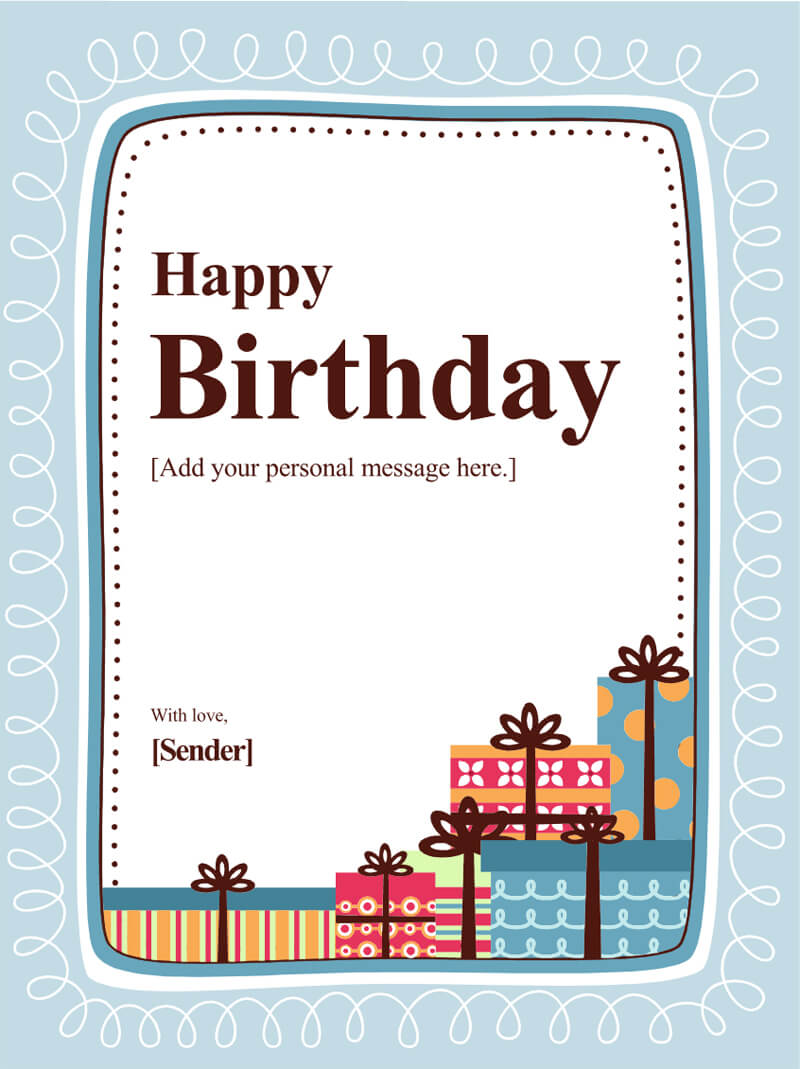
Gift Panel Birthday Card
A landscape sheet with a blank left half and a gift-decorated greeting on the right. Test the panel arrangement on plain paper.
Candles, Roses and Cake Birthday Card
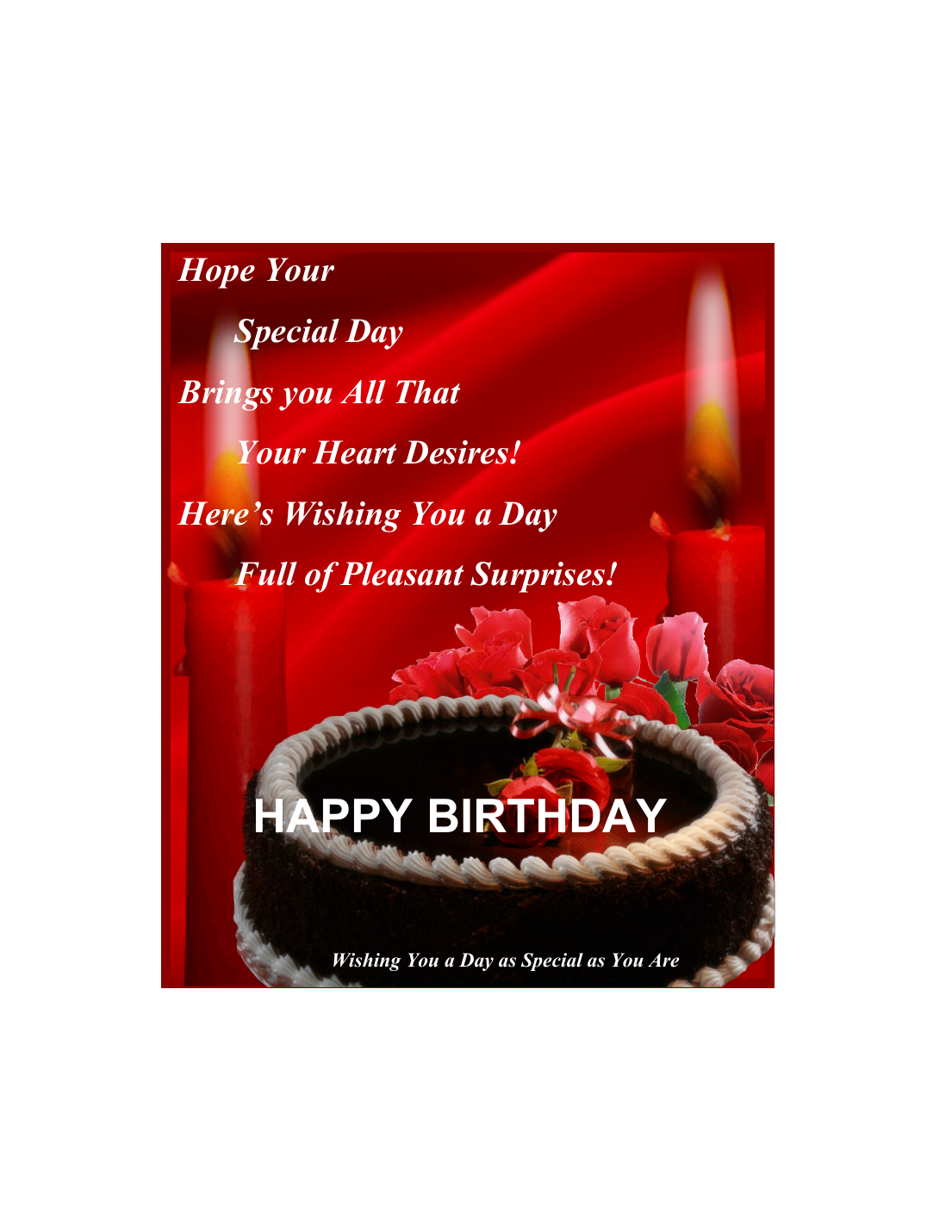
Candles, Roses and Cake Birthday Card
Red candles, roses and cake with an editable birthday title and closing greeting.
Rose and Bear Birthday Card
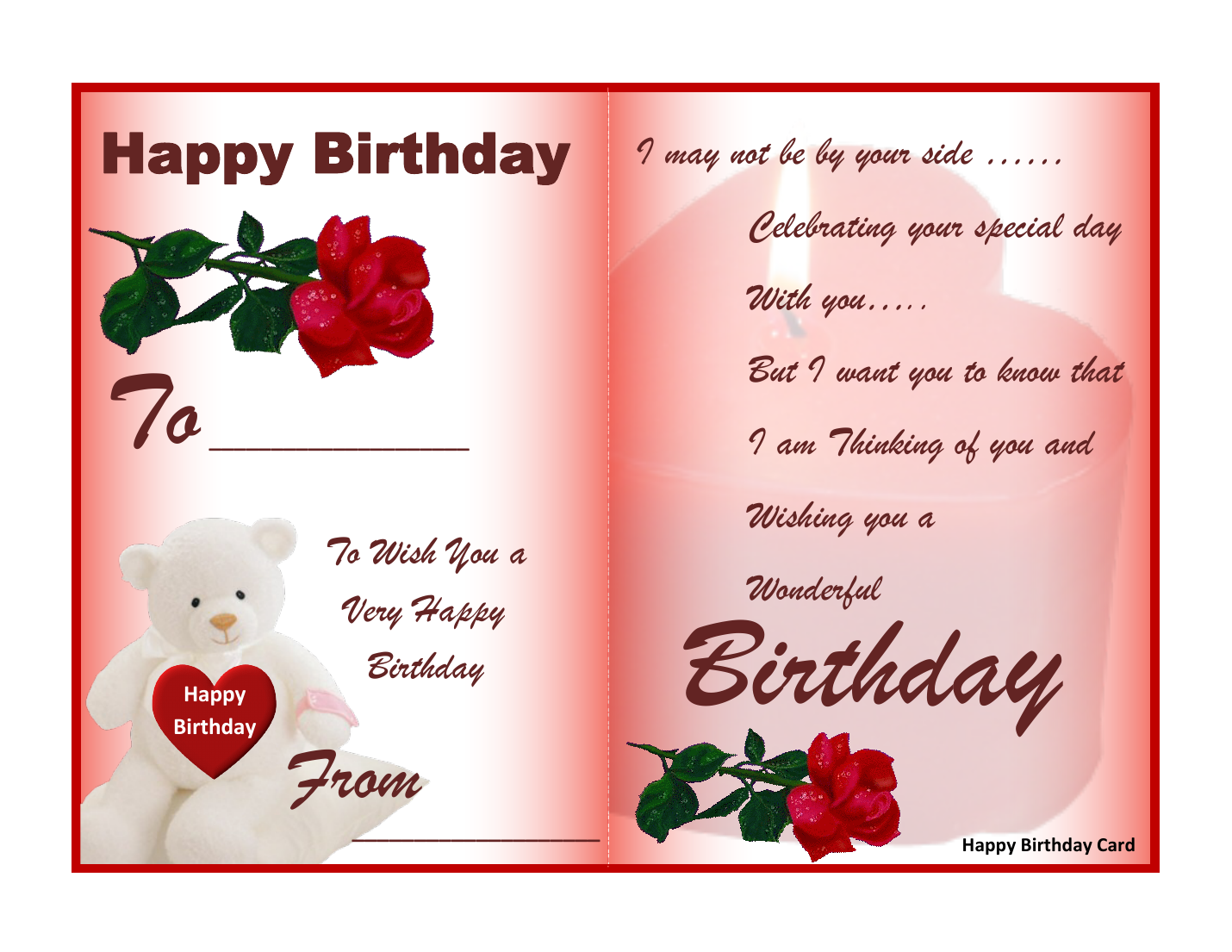
Rose and Bear Birthday Card
A pink rose and teddy bear in a two-panel layout, including To and From fields.
Candle Panel Birthday Card
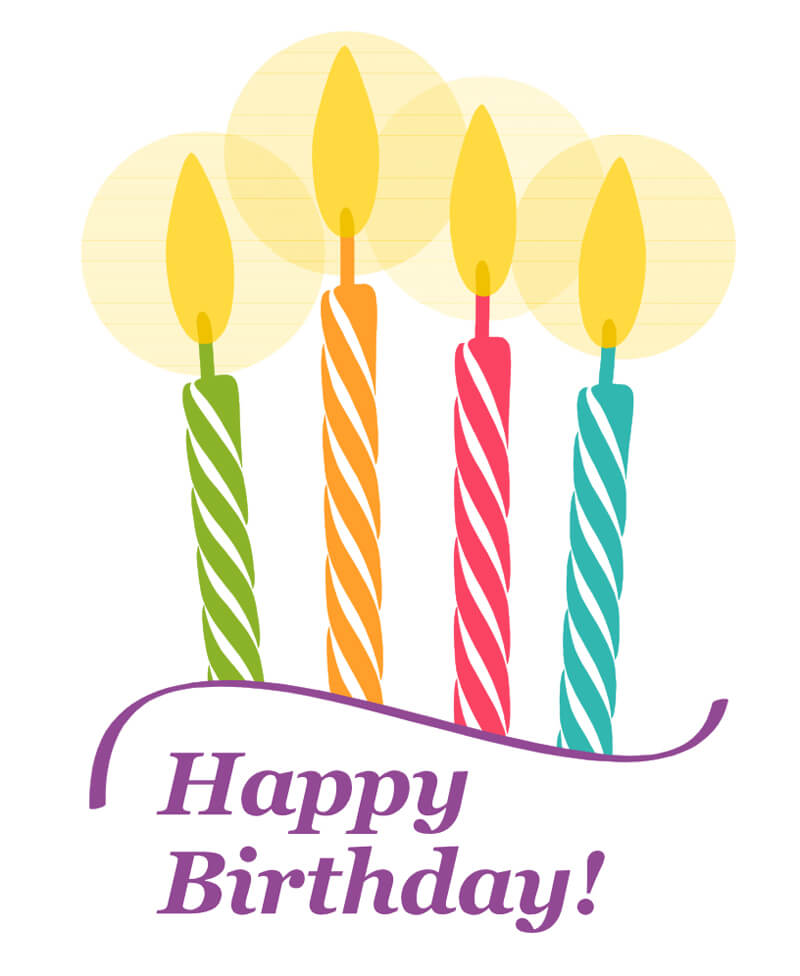
Candle Panel Birthday Card
Two candle panels on the right side of a portrait sheet; the upper panel has a greeting and the lower panel is blank.
Confetti and Balloon Birthday Card
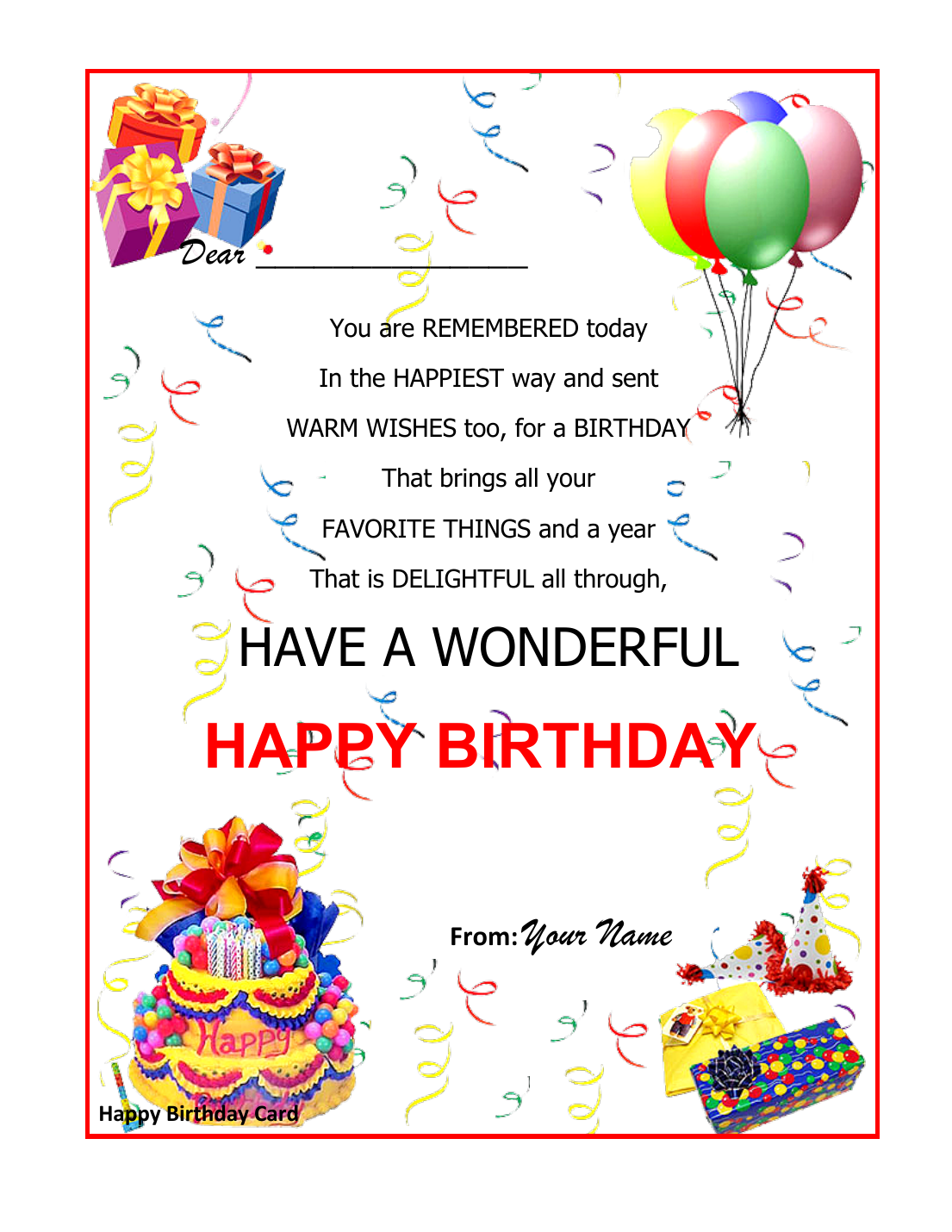
Confetti and Balloon Birthday Card
A white confetti-and-balloon design with recipient and sender fields and an editable red title.
Pink Tulip Birthday Card
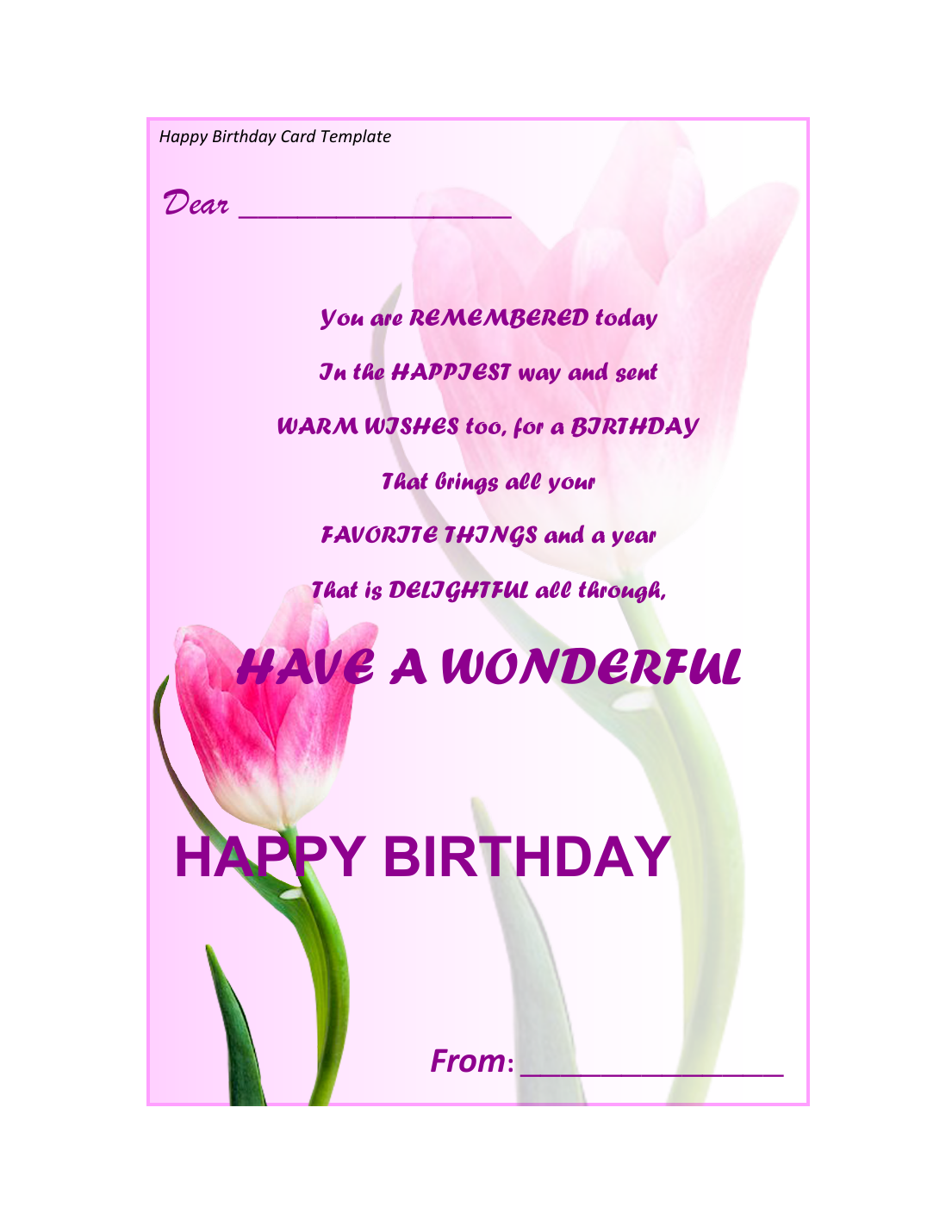
Pink Tulip Birthday Card
A pink tulip design with a short birthday title and recipient and sender fields.
Personalize the card in Word
Open your saved copy in desktop Microsoft Word. Click inside the recipient or sender text box and replace the placeholder. If the text is part of a separate shape, select that shape before editing its words. Work on one text area at a time so that you can see whether the new message still fits.
Use a short greeting first. A longer name or several extra sentences may push text beyond the box or onto another line. Shorten the message or reduce its font size slightly, then check the layout again. Leave comfortable space between the greeting, artwork and signature.
For a personal touch, add one specific memory or something you appreciate about the recipient. You do not need to fill every empty space. A brief message beside an image can be easier to read than a paragraph squeezed into a small panel.
Birthday message examples
For a friend: “Happy birthday, Maya! I’m still smiling about our rainy picnic. Here’s to more good stories together.”
For a parent: “Happy birthday, Dad. Thank you for making time for me, even on your busiest days. I hope today gives you a little of that care back.”
For a colleague: “Wishing you a happy birthday and a relaxing day. It’s a pleasure working with you.”
For someone far away: “I wish we could celebrate together today. Until then, here’s a birthday hug and a promise to catch up soon.”
Change the names and details to fit your relationship. Keep humour kind and choose a tone the recipient will enjoy. For more recipient-specific ideas, see our birthday card message guide: https://www.doctemplates.net/free-birthday-card-templates-what-to-write/
Print a proof before the final card
Check the document’s page size and orientation, then match the printer settings to the sheet you intend to use. Do not assume every design is a standard folded card or a particular finished size. Print one ordinary-paper proof first. Look at the complete sheet, decide how its panels should sit, and test any cut or fold before using your final paper.
Check that names, decorative lettering and the sender line are fully visible. A printer’s non-printable margins may leave a white edge. Use paper that your printer supports; thick card stock is not suitable for every model. If the design changes after opening it in another editor, compare it with the preview and try desktop Word before rearranging the artwork.
If a background colour or image is missing from a desktop Word printout, Microsoft’s background-printing setting may help. On Windows it is under File > Options > Display; on Mac, Word > Preferences > Print. See Microsoft’s instructions: https://support.microsoft.com/en-us/word/print-background-color-or-image
Share a static digital copy
When the card looks right, save or export it as a PDF and open that PDF to inspect the result. Check every page for cropped lettering, unexpected blank pages and shifted images. The PDF is a static card; it does not add animation or music. Keep the editable Word copy if you may want to change the message later.
Before sending, read the recipient’s name once more and check that your own name is included. A small, specific message is what makes the finished card feel personal.
