


A Christmas gift does not always fit under the tree. You might be giving a baking afternoon, a meal out or money toward something the recipient would rather choose themselves. A certificate makes that promise something they can open—and gives you a place to say exactly what the gift includes.
Choose from the twelve designs below. Each has an editable Word file, an Illustrator source and a matching print PDF. Start with the gift wording, then pick a layout with enough room for it.
Choose your Christmas certificate
For an experience, designs 2 and 11 have a Gift or experience field. For a money amount, choose one with an Amount line. Design 6 also includes a short redemption/contact line. Business issuers may need more space for their own details and required terms than a decorative certificate provides.
Several designs have Valid, Valid Until or Expires labels. Do not treat those labels as permission to choose an arbitrary expiry date; read the business-use guidance below before filling them in.
1. Presents and party lights
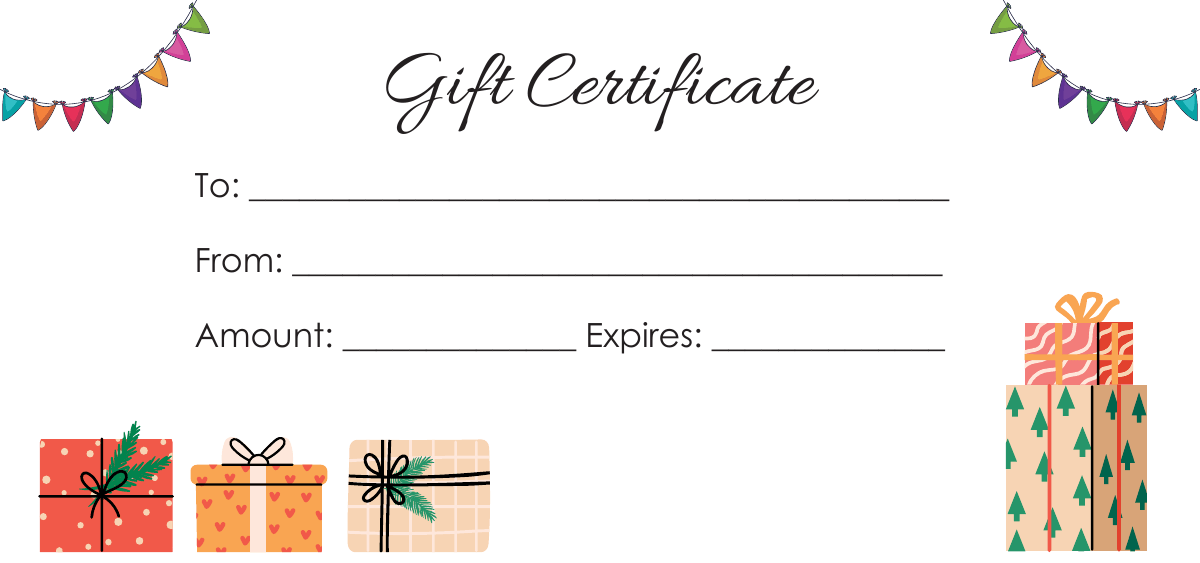
Colorful presents frame a white writing area with To, From and Amount fields. The uncluttered center leaves the names easy to read.
Presents and party lights
Presents and party lights
2. Blue winter deer
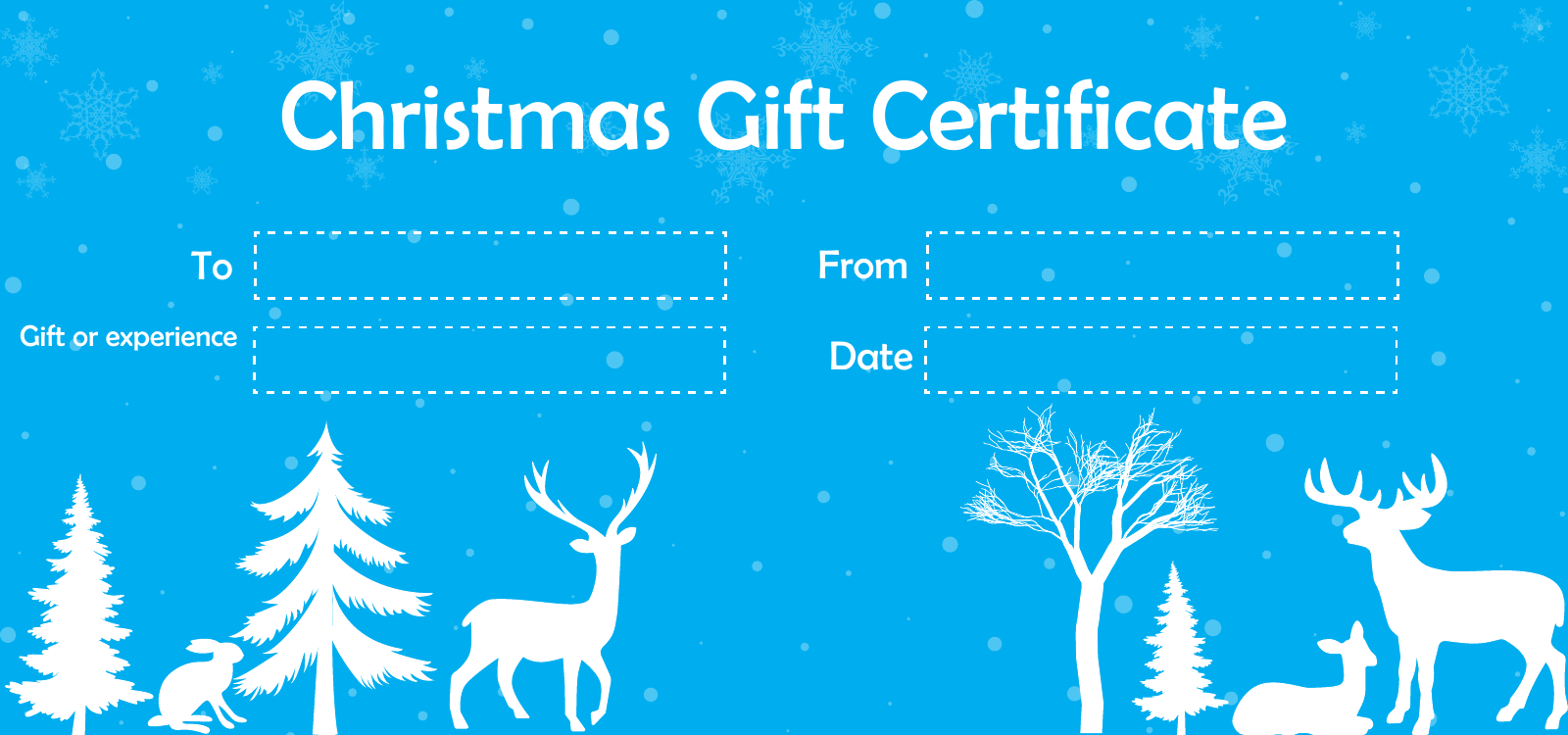
White deer and trees sit against a bright blue background. Its Gift or experience field suits a named outing or treat, with To, From and Date alongside it.
Blue winter deer
Blue winter deer
3. Gold branches
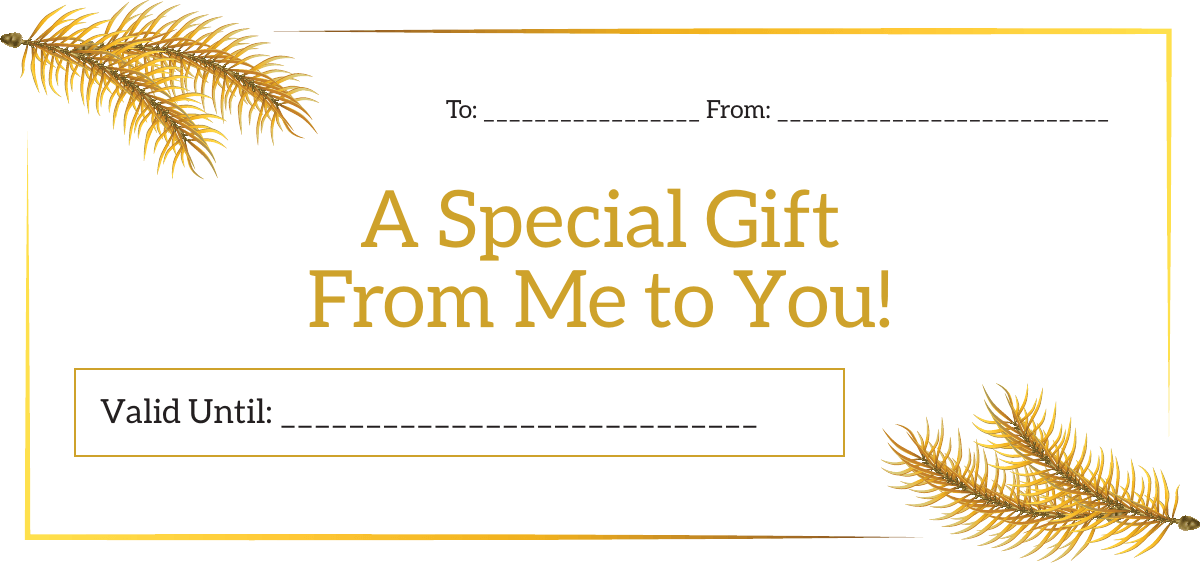
A slim gold border and branches frame “A Special Gift From Me to You!” Add the names and describe the actual gift in the editable copy or an accompanying note; this design has no dedicated amount field.
Gold branches
Gold branches
4. Red snowflakes and gifts
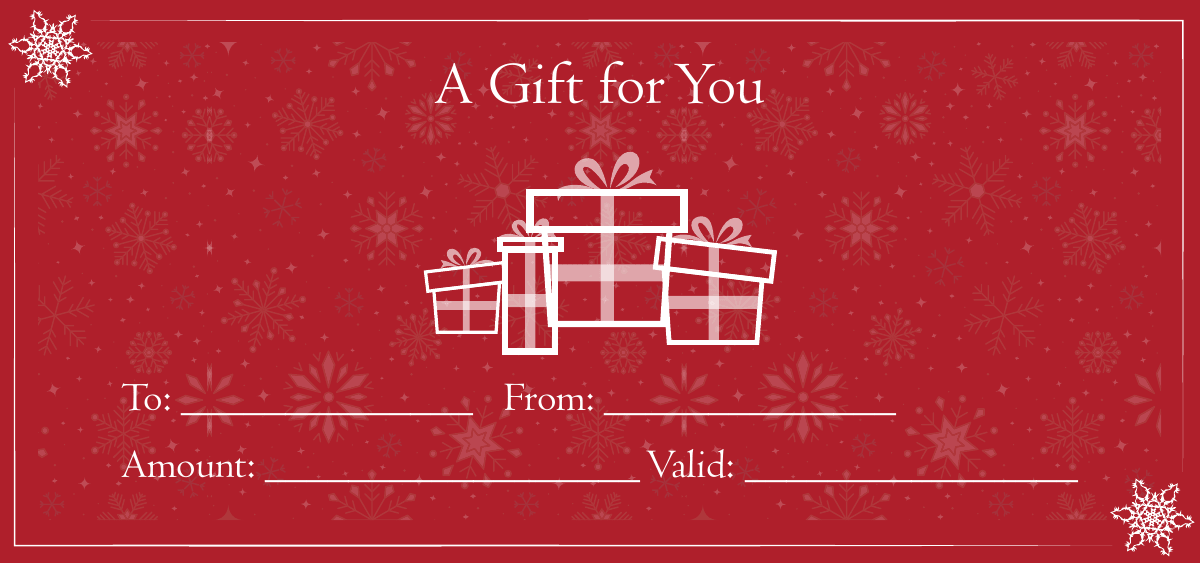
This traditional red design places the recipient, giver and amount beneath a stack of outlined presents. It works well when you want the certificate itself to feel like a wrapped gift.
Red snowflakes and gifts
Red snowflakes and gifts
5. Peach hanging ornaments
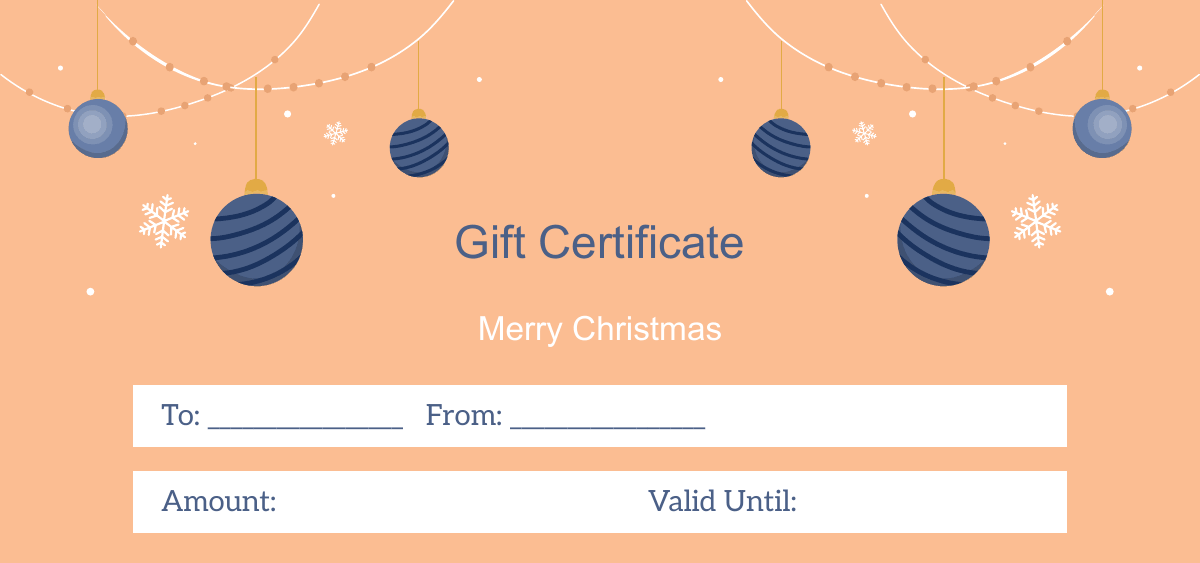
Blue ornaments and white writing strips make a softer alternative to red and green. There are separate spaces for To, From and Amount.
Peach hanging ornaments
Peach hanging ornaments
6. Black and gold
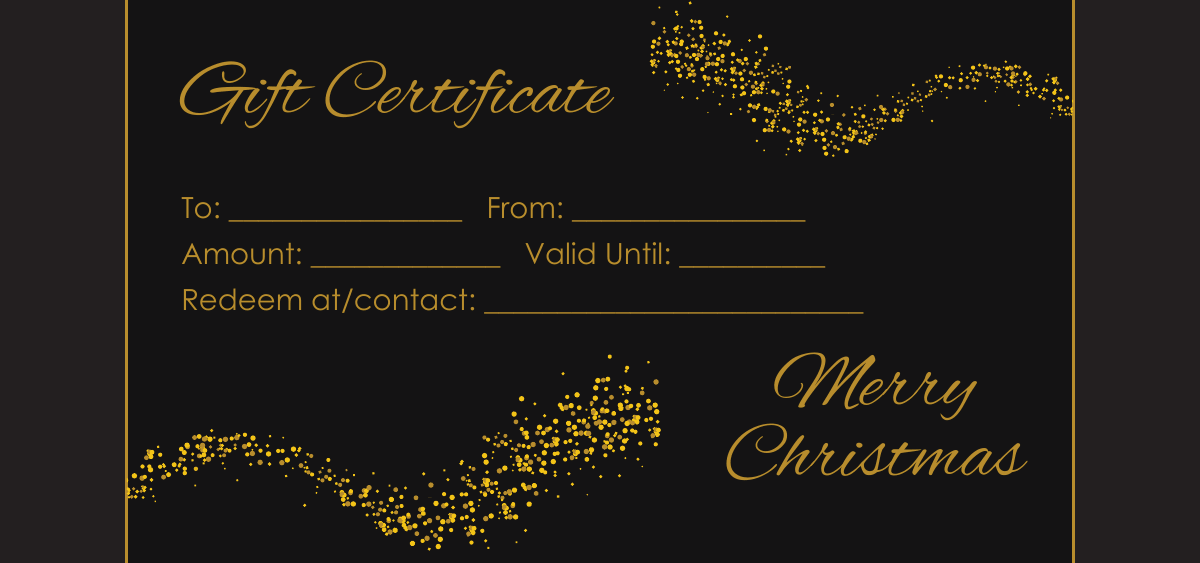
Gold decoration surrounds a dark background. In addition to names and an amount, this layout includes a Redeem at/contact line for a short address or contact detail.
Black and gold
Black and gold
7. Orange and evergreen
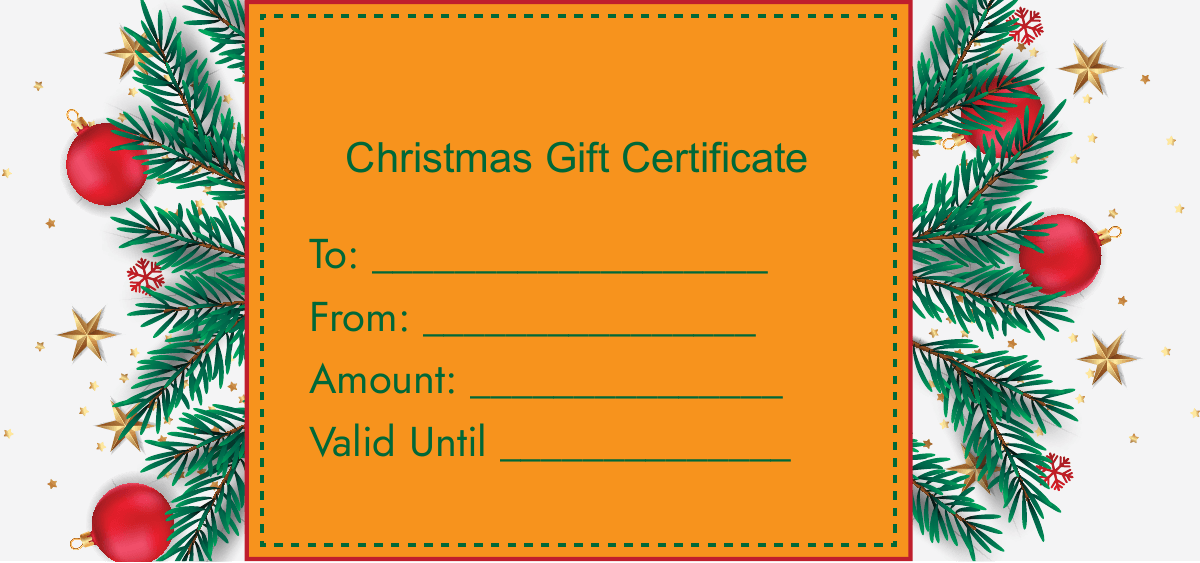
An orange center is framed by evergreen branches and ornaments. The vertically stacked name and amount fields make the details straightforward to follow.
Orange and evergreen
Orange and evergreen
8. Watercolor foliage
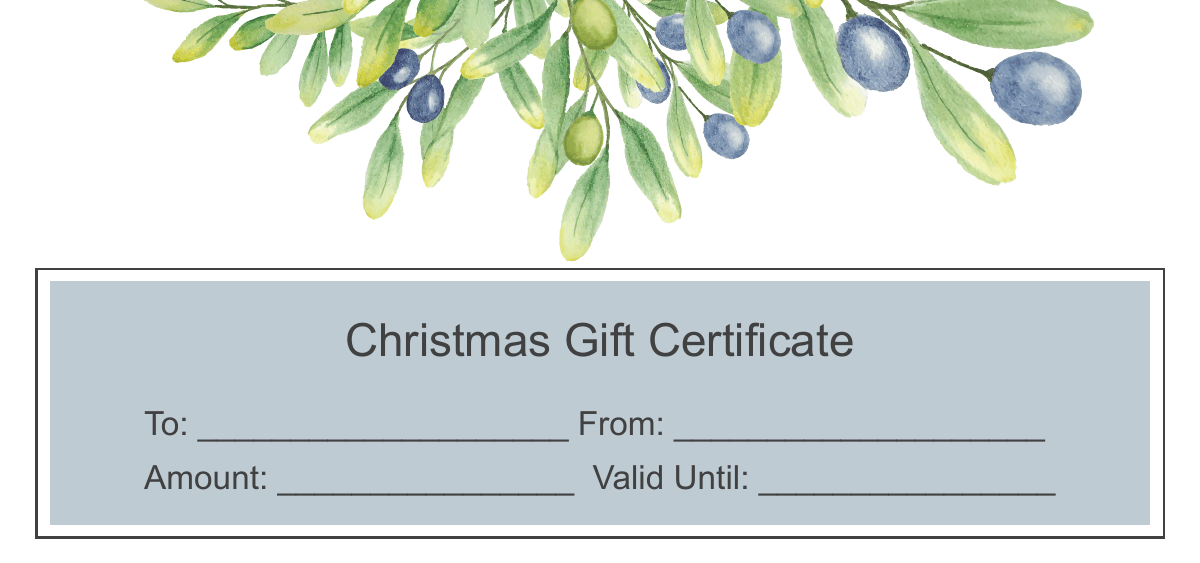
Watercolor leaves and berries sit above a gray writing panel. Choose it when you prefer a quieter botanical design, with the names and amount together in one area.
Watercolor foliage
Watercolor foliage
9. Stockings and celebration
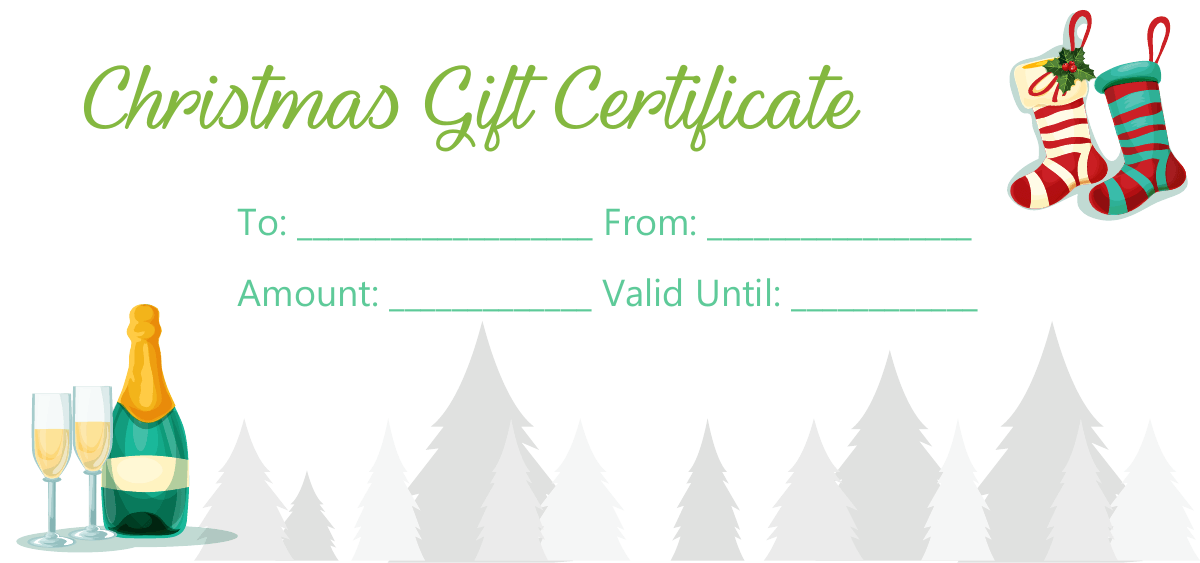
Stockings, winter trees and a champagne illustration give this design an adult celebration theme. Choose another design for a child or a setting where the alcohol imagery would be unsuitable.
Stockings and celebration
Stockings and celebration
10. Cream and gold ornament
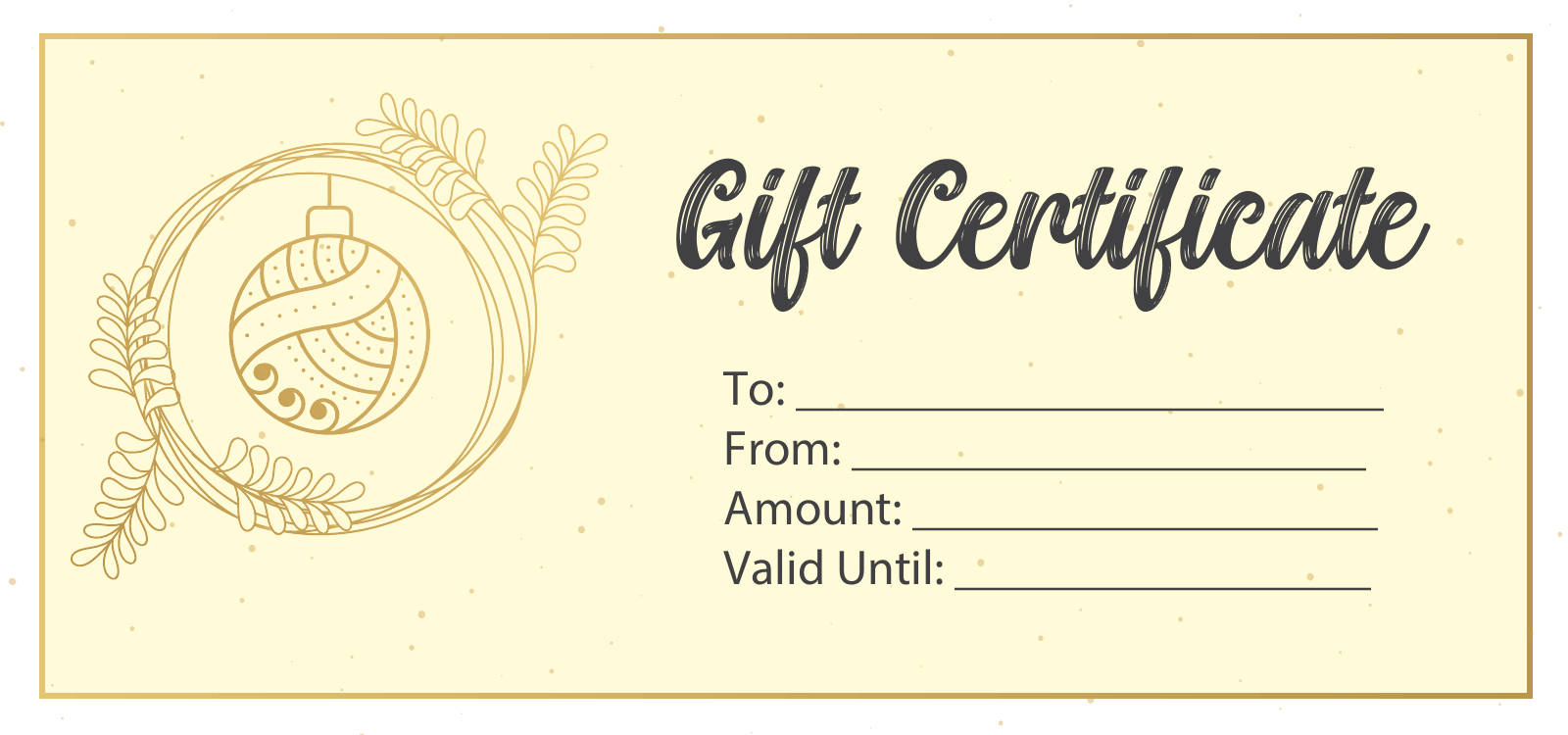
A pale background, gold ornament and dark heading create a restrained holiday look. The recipient, giver and amount lines sit together on the right.
Cream and gold ornament
Cream and gold ornament
11. Candy-cane holiday surprise
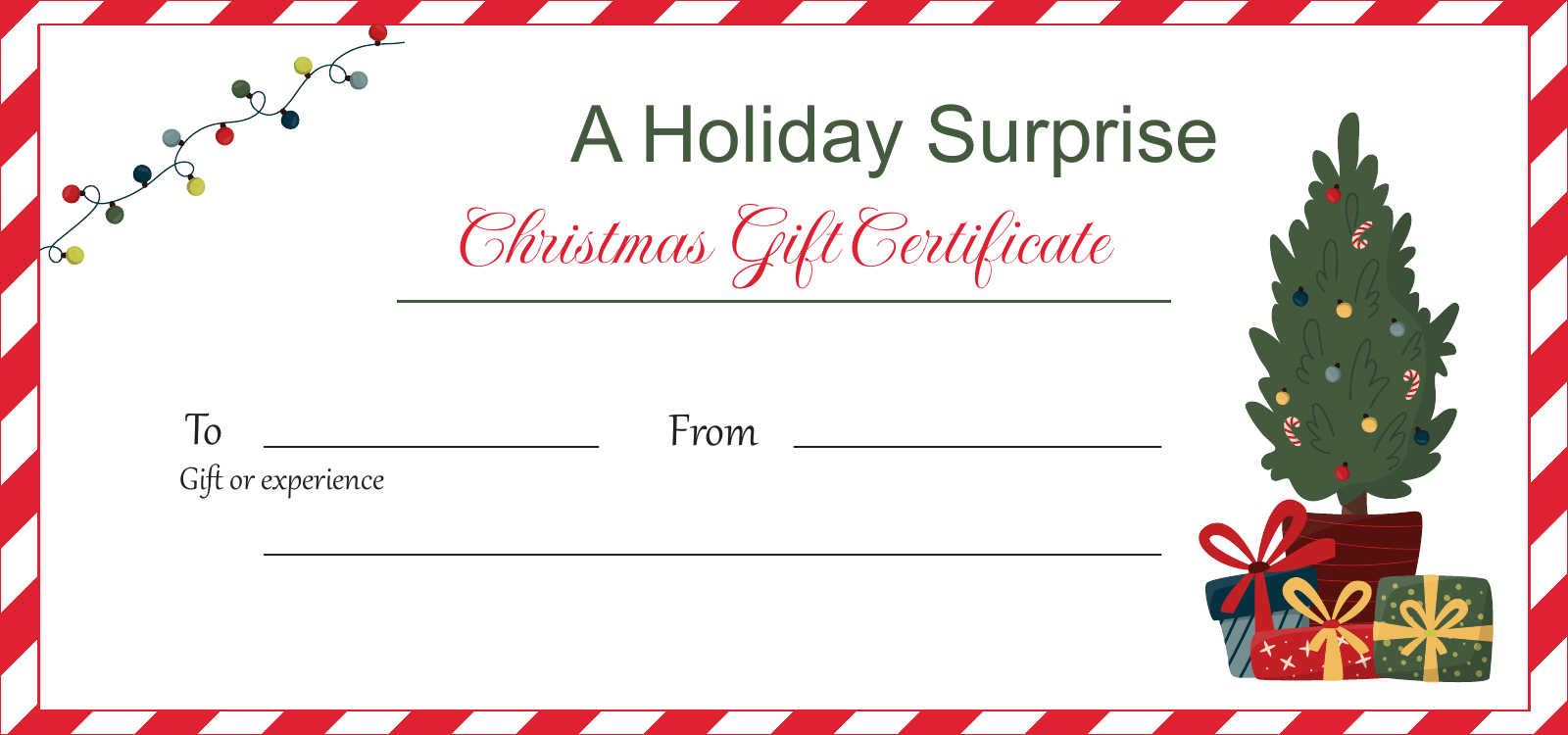
A candy-cane border, tree and presents surround a Gift or experience line. This is a useful choice for a promise such as a baking afternoon or tickets you will arrange together.
Candy-cane holiday surprise
Candy-cane holiday surprise
12. Mint botanical
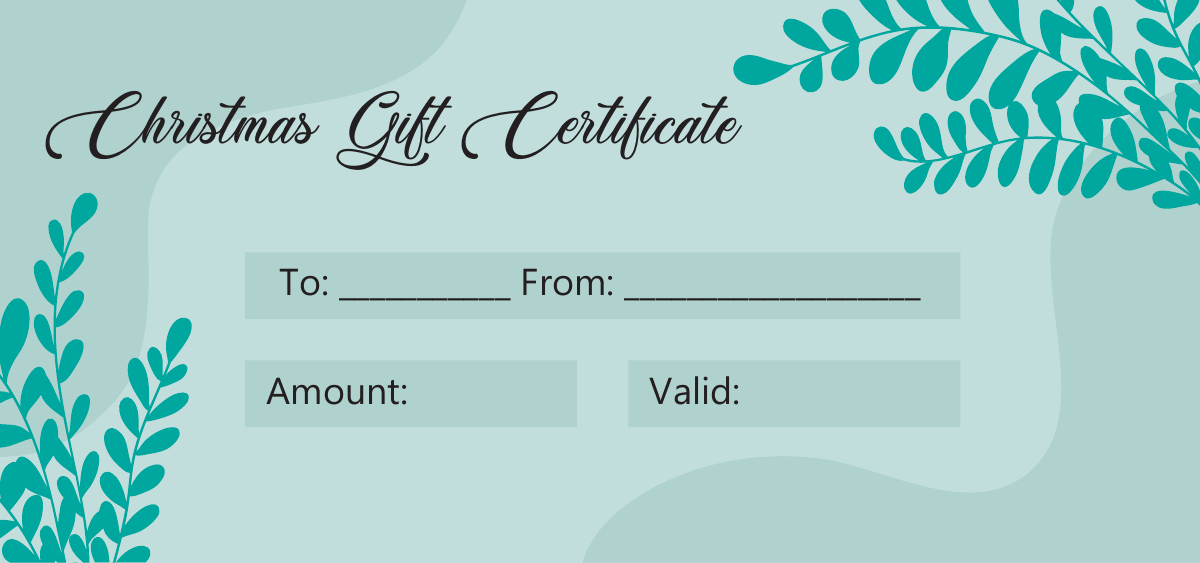
Teal leaves and pale mint shapes frame clearly separated name and amount areas. It gives you a festive option without the usual red background.
Mint botanical
Mint botanical
Write a gift they can picture
“A special treat” sounds warm, but it leaves the recipient guessing. Name the experience and any practical detail that helps them enjoy it. Keep the main promise short; put a longer plan in the card that goes with the certificate.
For a child: “One afternoon baking Christmas cookies with Grandma. You choose the shapes.”
For a friend: “Dinner at a restaurant we choose together—my treat.”
For a partner: “A Saturday breakfast and a walk by the lake, on a date we choose together.”
These are personal wording examples, not terms for a commercial gift-card program. Make promises you can fulfill. If tickets, travel or a booking are involved, agree on the arrangements instead of implying that a reservation already exists.
Put the recipient’s name in To and the giver’s name in From. Where the gift is a money amount, include the currency. For a service, describe what is included and how the recipient should arrange it. Avoid shrinking an entire paragraph into a small field; shorten the wording or use a roomier layout.
Using a certificate for your business
A customer should be able to tell who issued the certificate, what it provides and where to redeem it. Add your business name and contact details, a clear amount or service description, and the redemption method. If you use a certificate number, keep a private record of issue, value and redemption so staff can check it consistently.
For a service, settle the practical details before printing: whether an appointment is needed, which service is included and how any permitted restrictions will be communicated. A decorative certificate is not a payment system or an automatic record of the remaining balance.
Check expiry and fee rules before issuing
First check whether the product is covered. The CFPB’s Regulation E § 1005.20(b)(5) excludes certificates issued only in paper form. Printing an emailed certificate or code does not create that exclusion.
For covered products, funds generally cannot expire before the later of five years after initial issuance of a gift certificate (or the last load to a card) and the certificate or card’s expiration date. Dormancy, inactivity and service fees require at least a year without activity, prescribed disclosures and no more than one such fee per calendar month. The rule also governs pre-purchase notices and fee and expiry disclosures on or with the product, as applicable; a link to terms alone may not satisfy those requirements.
Check applicable state requirements as well. Exclusion from this federal provision does not establish that your terms are lawful. Have a qualified lawyer assess your actual issuance and redemption process before setting expiry dates, fees or restrictions.
These designs and examples are provided for general educational purposes and are not legal advice. Consult a qualified lawyer in your jurisdiction before adapting or relying on terms for a business-issued certificate. DocTemplates does not guarantee suitability or legal validity. To the extent permitted by applicable law, DocTemplates disclaims liability for loss or damage arising from use of or reliance on this material. This notice does not exclude liability that cannot lawfully be excluded.
Edit the file and make one test print
Use the Word file for text changes or the Illustrator file when you need to adjust the artwork and layout in that application. The PDFs are print copies; do not assume they contain interactive fill-in fields. Keep an untouched original, save your completed copy separately and export a new PDF after editing.
Read the exported page before printing. Check the spelling of names, the complete gift or amount, contact details and any terms. Look for text that runs into an illustration, an unfilled placeholder or a line that has become too small to read.
The supplied PDFs are one page per design. Check the actual page dimensions and your printer’s preview rather than assuming every certificate has a standard size. Make a test print on the paper you plan to use, confirm that borders and writing areas are intact, and then print the remaining copies. If you arrange more than one certificate on a sheet, check the resulting size and cutting space yourself.
For a digital gift, send the completed PDF privately and retain the matching copy. Keep certificate numbers and redemption records out of public folders.
